

You’re in an appointment.
You forgot to silence your phone.
And your briefcase or pocket starts ringing/vibrating!
Sound at all familiar?
Here are three Do Not Disturb (DND) features of your iPhone that every wholesaler needs to know.
DND While I’m In This Appointment
Set your phone to DND for the exact time block that you have allotted for the appointment you are in – the information for which will come from your calendar.
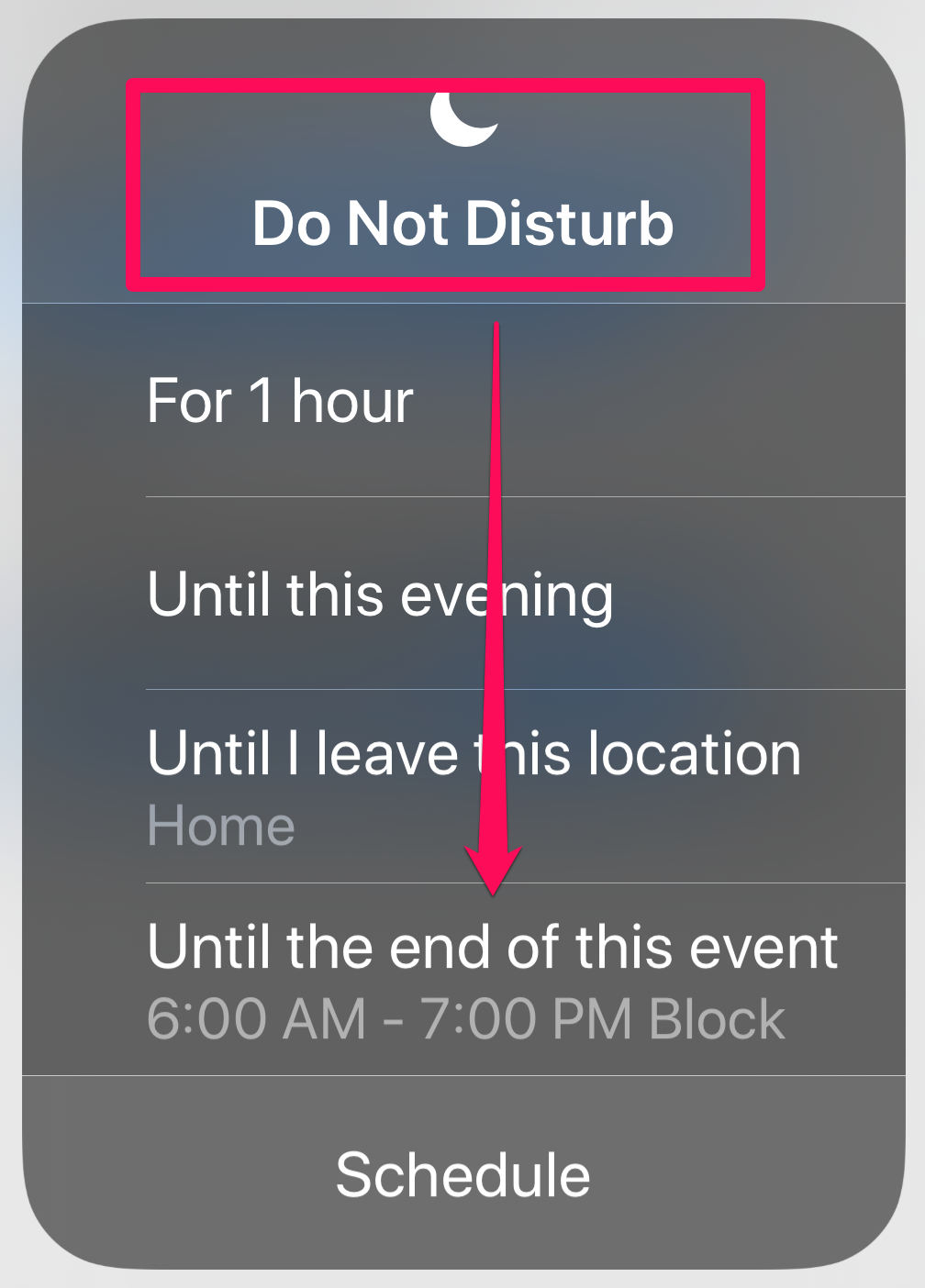
DND While I’m At This Location
This DND setting is brilliant!
Using your phone’s GPS and cell-based positioning technology (needed for all of the iPhone’s location-based features), your DND will be turned off when you leave your current location.
Planning to spend extended time in an office?
After +15-years of service to our wholesaling community, I've now retired - and I’m committed to keeping all our resources available for future generations of wholesalers and their leaders – but only as long as it makes fiscal sense.
Please consider a seamless, no fee donation using Zelle or PayPal.
Our Zelle address is: shorespeak@gmail.com or use the QR codes.
THANK YOU!
Rob Shore
Founder

Location based DND will work great.
DND During Scheduled Hours
Distractions will kill your productivity, wreck your personal time and interfere with your sleep. [Also read: 7 Ideas For More Productive Wholesaler Office Days]
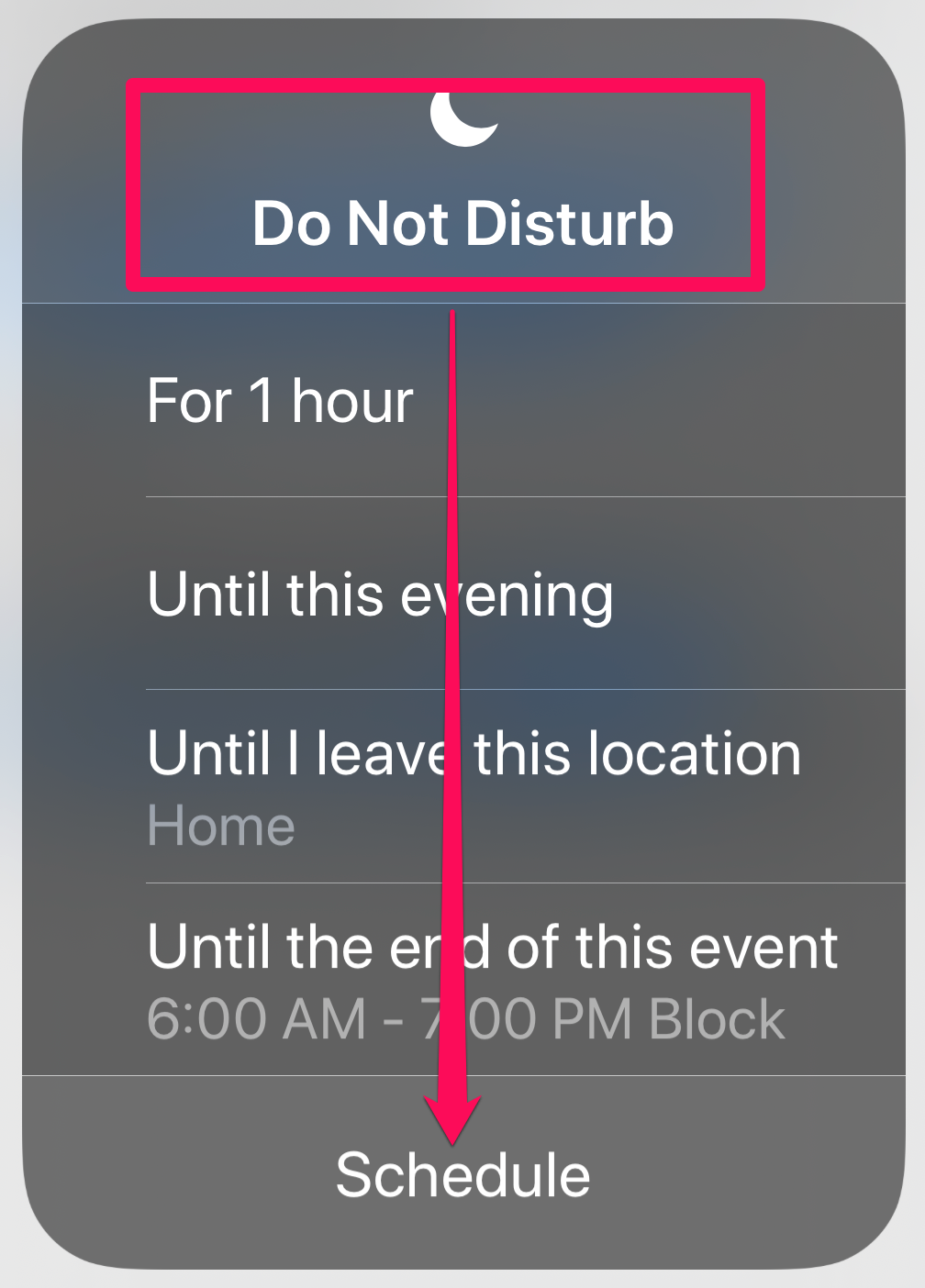
Use Schedule to set the hours of DND.
For example, your phone will be silent from the hours of 8PM to 5 AM.
“But what about if my family needs to reach me?”
No problem, as you can set contacts that are excluded from the DND setting.
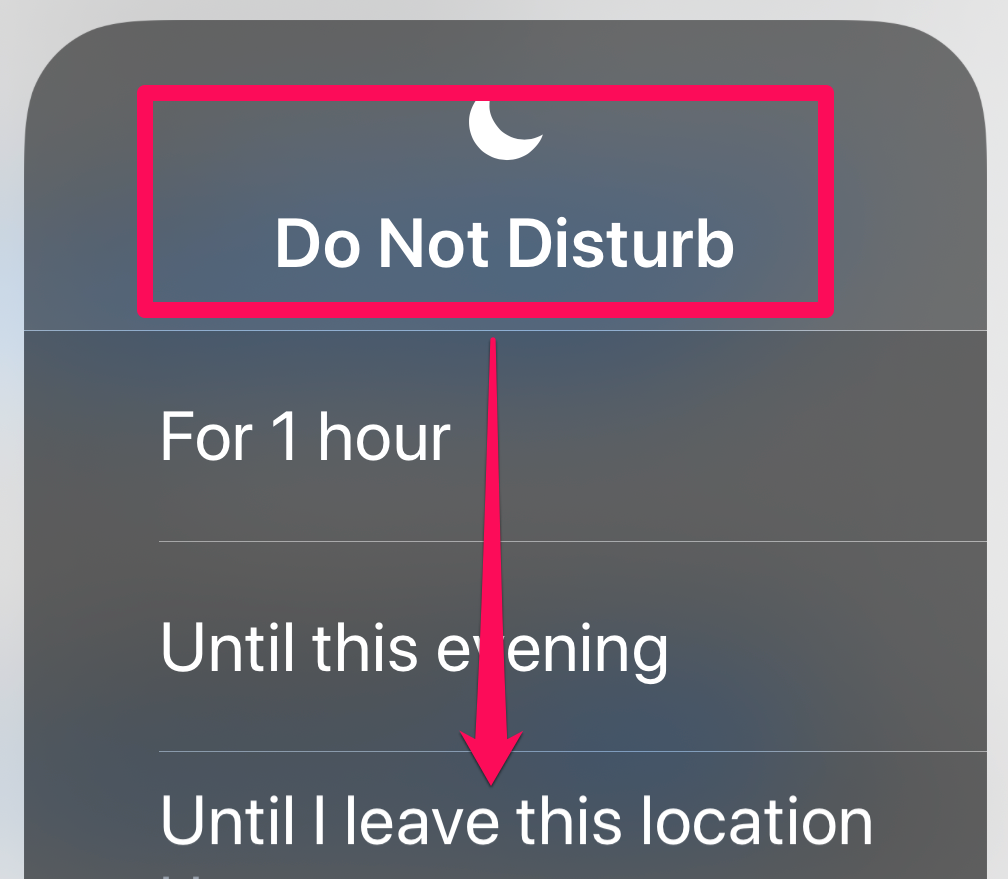
How To Set Do Not Disturb
1) Find the Control Center (newer phones, pull down from the top of the screen)
2) Press firmly on the Crescent Moon icon
 8 Ways Wholesalers Succeed With COIs
 Wholesaler Survey Results: How Will You Engage with Advisors in 2022?
 10 Suggestions For Long(er) Term Work-From-Home Situations
 For Divisional Managers: Part Two – Create a More Effective Ride-Along
 8 Easy Ways Wholesalers Use Voicemail as a Powerful Sales Tool